Do you want to know which big name brands are using WordPress?
WordPress is used by some of the biggest and most well known companies, celebrities, and brands in the world.
In this article, we’ve created a list of the most notable big name brands that are using WordPress to power their websites.
Why Do So Many Big Name Brands Use WordPress?
WordPress is the most popular website builder and content management system in the world. It currently powers over 40% of the entire internet, including some of the biggest brands.
With WordPress, it’s possible to build nearly any kind of website, WordPress blog, online store, and much more. It has thousands of free and premium plugins that can be used to extend the functionality of your website.
Most websites use WordPress for its flexibility, beginner friendly admin panel, and massive theme and plugin library. WordPress can be set up quickly without writing any code.
With that said, let’s take a look at the most notable big name brands that are using WordPress.
1. Sony Music
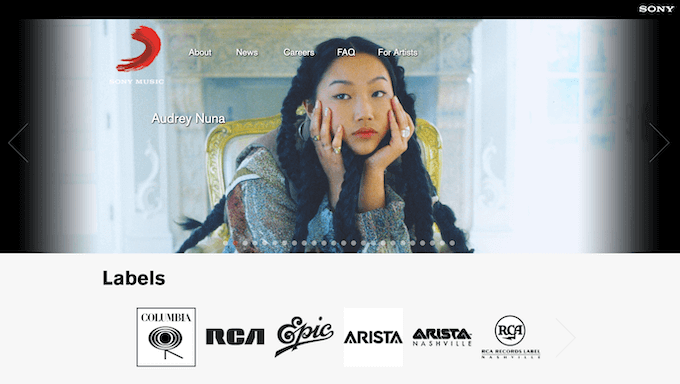
Sony Music is a global music brand that uses WordPress to power its website. The site showcases its artists, latest news, sidebar Twitter feed, and more.
2. Playstation Blog

Playstation is one of the biggest gaming companies in the world. They use WordPress to power their gaming website that offers tips, game releases, insider news, and more.
3. TechCrunch
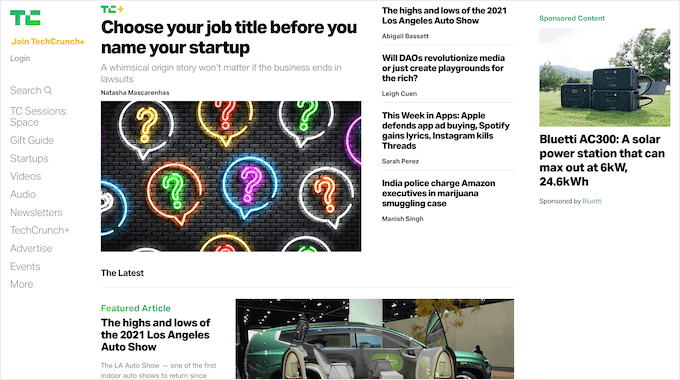
TechCrunch is a very popular tech website covering the latest news about startups, gadgets, events, and other related topics.
4. The Next Web
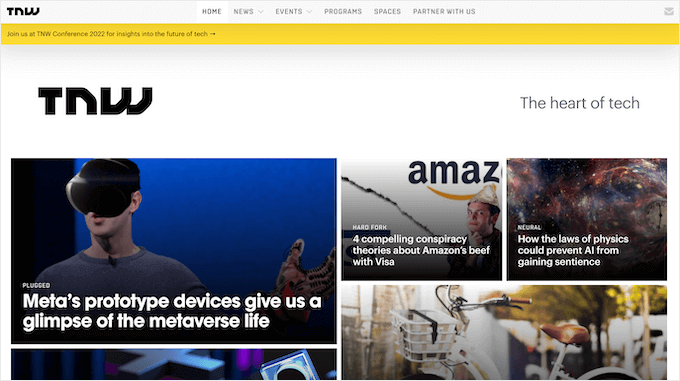
The Next Web is a popular technology and news website with articles about topics like coding and development, new startups, AI, sustainability, and more.
5. Time Magazine
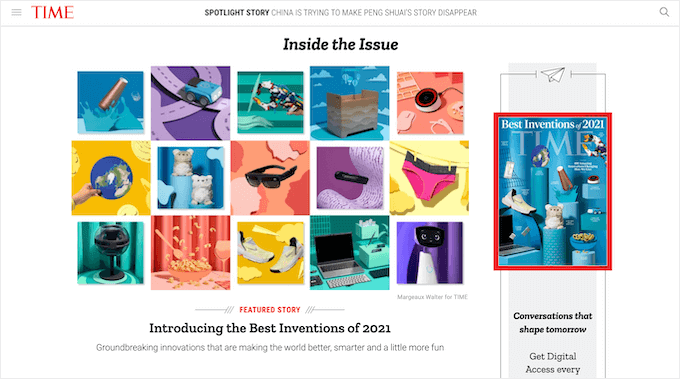
Time Magazine is one of the longest running American news websites and magazines. The site covers topics like politics, health, tech, entertainment, science, and much more.
6. CNN Press Room
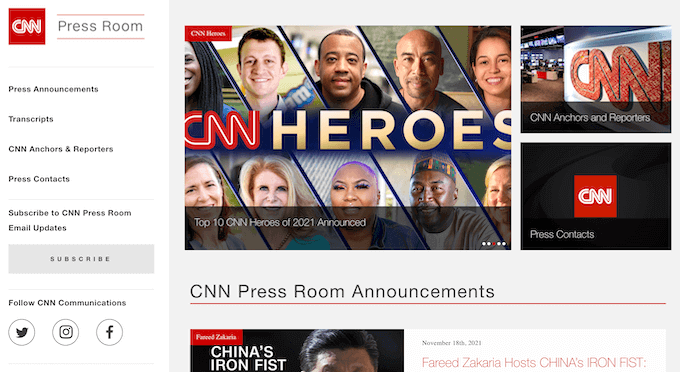
The CNN Press Room is the official website for CNN’s public relations team. The site provides access to press releases, fact sheets, press contacts, and more.
7. Disney Books
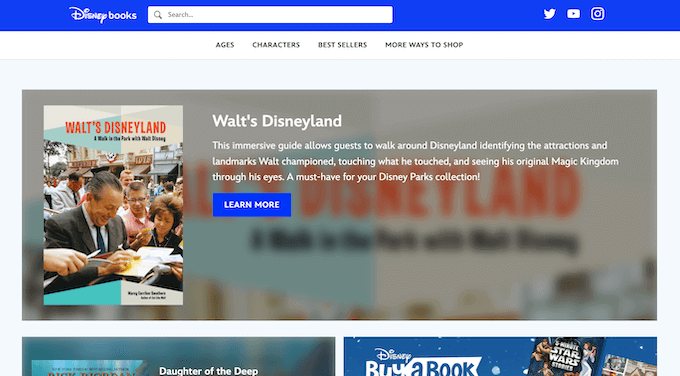
Disney Books is the official site for the publishing wing of Disney. Visitors can sort books by age, characters, best sellers, and more.
8. The Rolling Stones
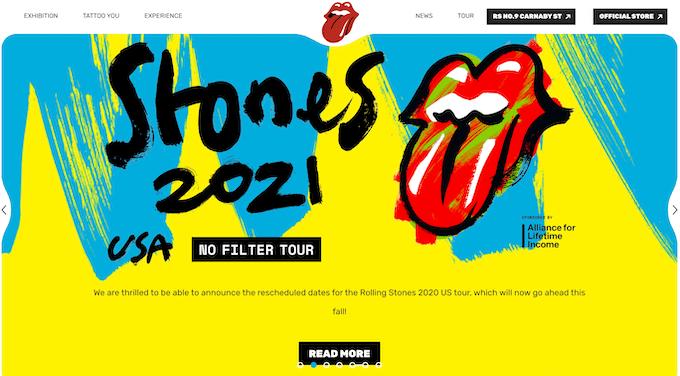
The Rolling Stones band website showcases their latest events, music releases, online store, and more. It’s a very unique website with bold colors, interactive elements, and video.
9. Spotify Newsroom

Spotify Newsroom is the press website for the Spotify music streaming app. Readers can find news, updates, music releases, and a unique email newsletter sign up form.
10. Hypebeast

Hypebeast is a popular online magazine dedicated to streetwear, art, and fashion. The platform uses a unique navigation menu to highlight items in the store, popular brands, and more.
11. Wired
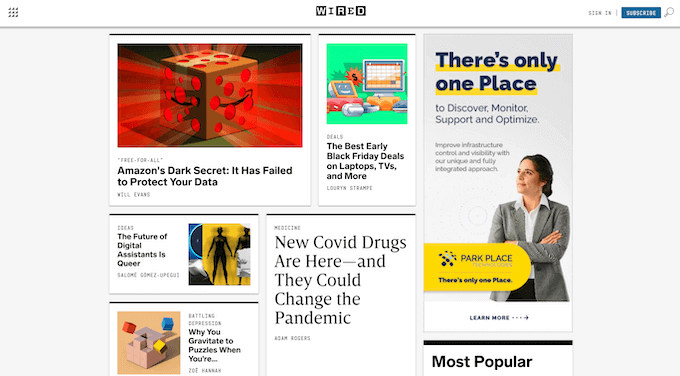
Wired is a long running monthly magazine and website that focuses on how technology impacts politics, culture, and the economy. The website features long form articles, product reviews, roundups, and more.
12. Microsoft News
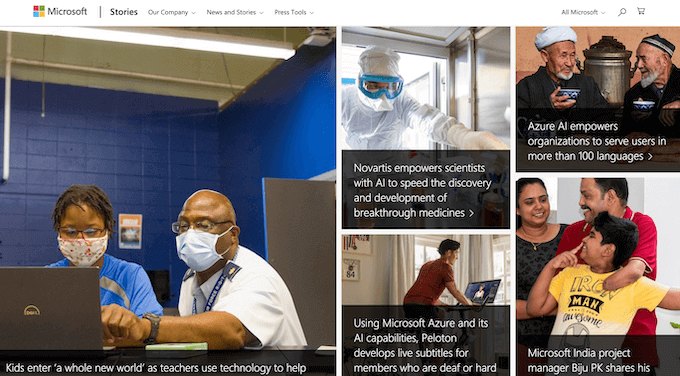
Microsoft News highlights the latest happenings inside Microsoft. It features the latest news, updates, and stories about the company.
13. Boing Boing
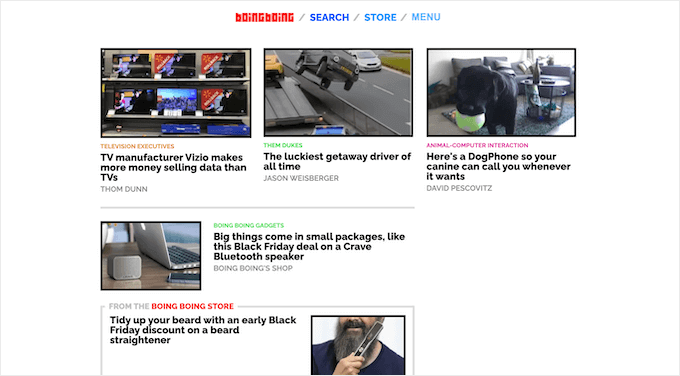
Boing Boing is a high traffic website that covers various topics like technology, science fiction, politics, gadgets, and more. The site also embeds videos into blog posts.
14. Mashable
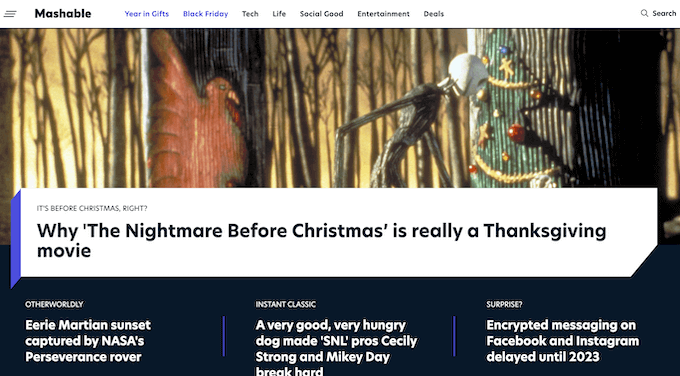
Mashable is a WordPress site with a global readership that covers lifestyle, technology, social good, and entertainment topics. There’s also a large deals section that highlights discounts for various products.
15. Etsy Journal
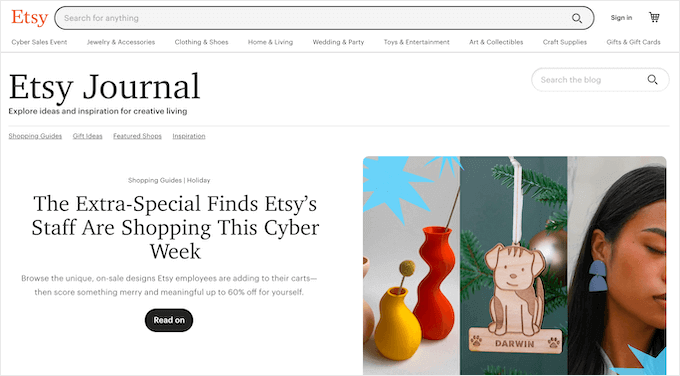
The Esty Journal is a blog for the Etsy marketplace. It features unique products, gift ideas, shopping guides, and inspiration for creatives.
16. TED Blog
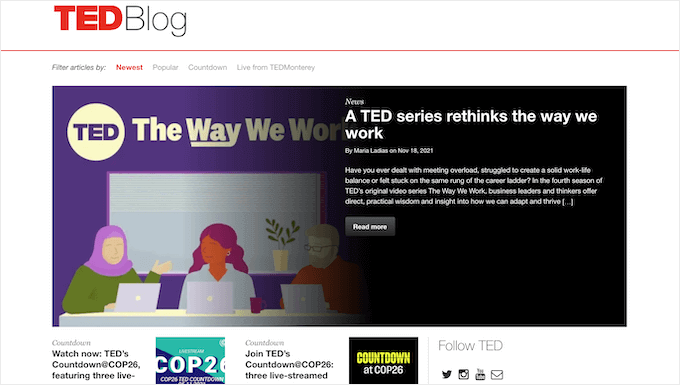
The TED blog features big ideas from the popular TED Talks program. The blog shows new articles, upcoming live events, and live blogging updates from ongoing TED talks.
17. Yelp Blog

The Yelp blog offers resources for consumers and businesses and also covers product updates, trends, and career information.
18. cPanel

cPanel is the popular control panel software used by most WordPress hosting companies. They use WordPress to power their website and company blog.
19. Vogue

Vogue is a popular monthly fashion and lifestyle magazine that covers news, beauty, celebrity style, and more.
20. Angry Birds
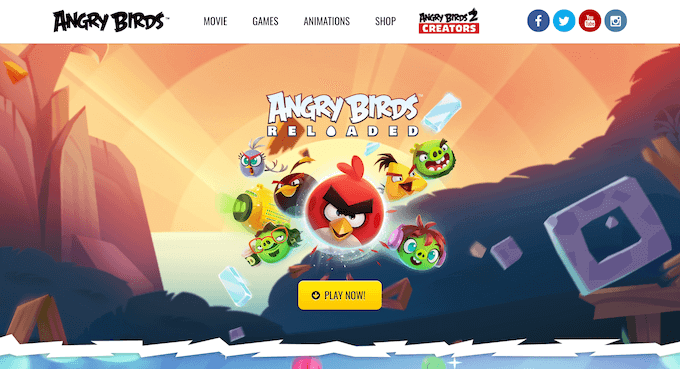
Angry Birds is a super popular video game and movie. The website lets visitors download games, watch videos, and purchase items in the shop.
21. Usain Bolt
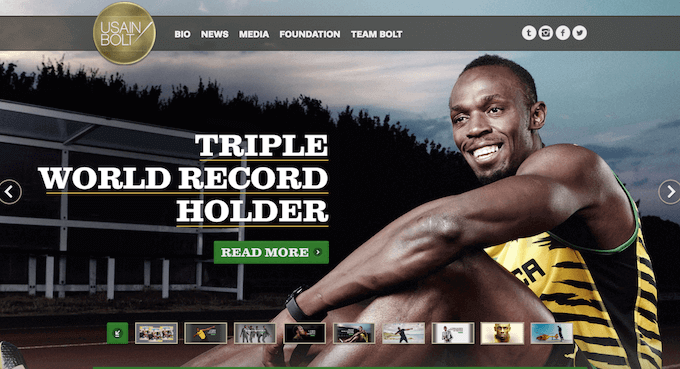
Usain Bolt, the world’s fastest man, uses WordPress for his personal website. The site features a full page WordPress slider and a large blog post section with the latest news and updates.
22. The New York Times Company

The New York Times Company is the corporate website behind The New York Times. It’s one of the top newspapers in the world, with over 150 million global monthly readers.
23. Mozilla Blog

Mozilla is one of the most popular web browsers in the world. They use WordPress to power their company blog with the latest news, updates, and stories related to the web.
24. The Harvard Gazette

The Harvard Gazette is the official news website for Harvard University. It uses a very minimalist design and covers the latest news, events, and updates.
25. The White House

The White House website runs on WordPress. The site has a clean layout and presents the latest bills, legislation, statements, and more.
26. Tonal
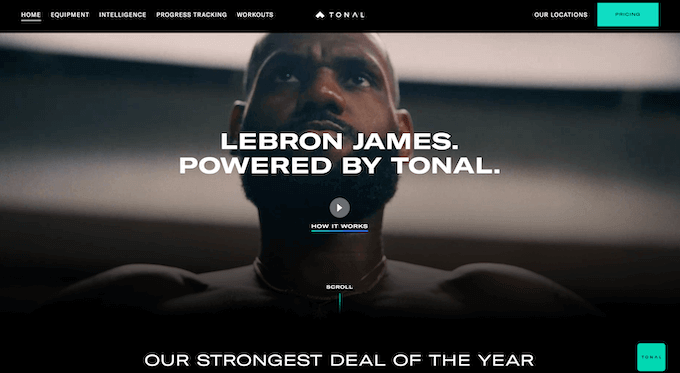
Tonal is a popular at-home gym and personal trainer used by athletes like Lebron James. The website is powered by WordPress and uses WooCommerce to sell the fitness system.
27. Observer
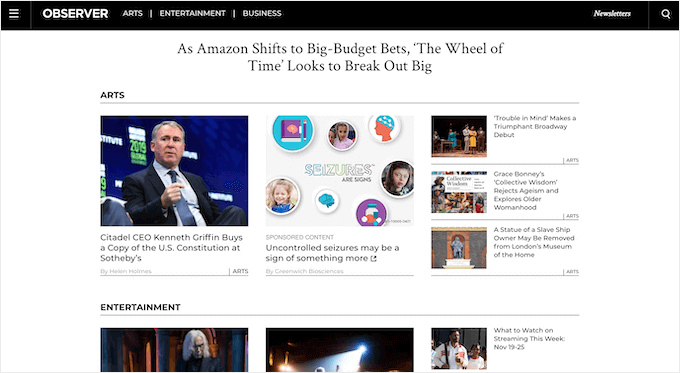
Observer is a news website that covers the latest news and trends in lifestyle, arts, politics, business, and celebrities worldwide.
28. Toyota Brazil
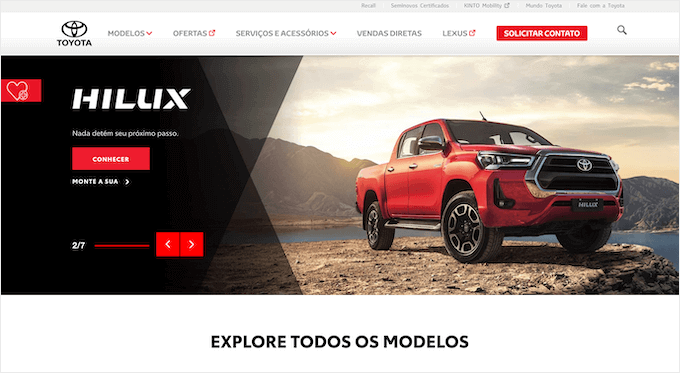
The official Toyota Brazil website is created with WordPress. It features the latest models, news, and even lets you build out new vehicles virtually.
29. Creative Commons
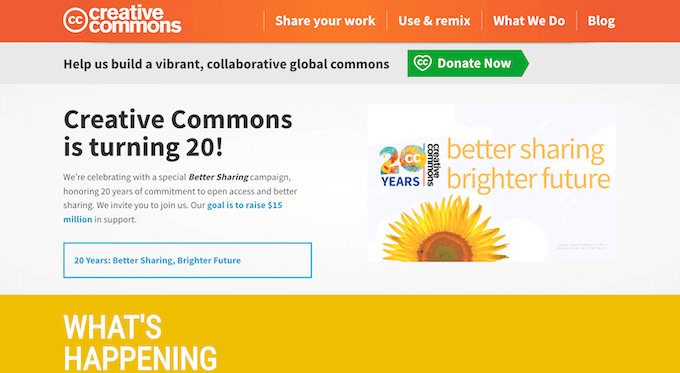
Creative Commons is a nonprofit that provides creative commons licenses for things like free stock photos and other works. The website highlights its different programs, an image collection, and accepts donations.
30. Dallas Mavericks
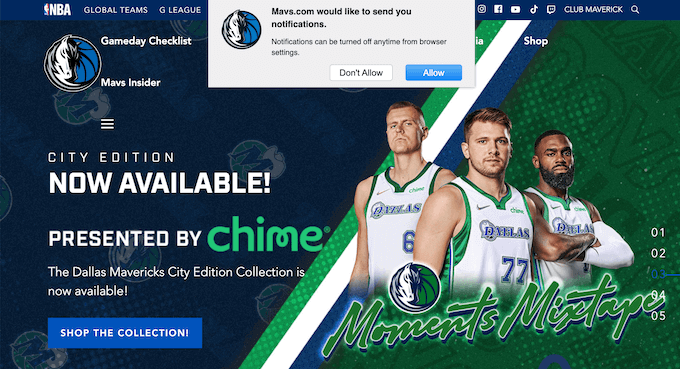
The Dallas Mavericks are one of the most exciting teams in the NBA. The site is built using WordPress and features a huge full screen slider, team schedule, news, and encourages users to sign up via push notifications.
31. thisisFINLAND

The thisisFINLAND website is the ultimate resource about what’s happening in Finland. It covers topics related to arts, culture, business, society, and more.
32. Jay-Z

The Jay-Z website is a curated digital experience that covers sports, music, fashion, art, and culture. It uses a unique header, where readers click on empty boxes to uncover parts of the site.
33. Katy Perry
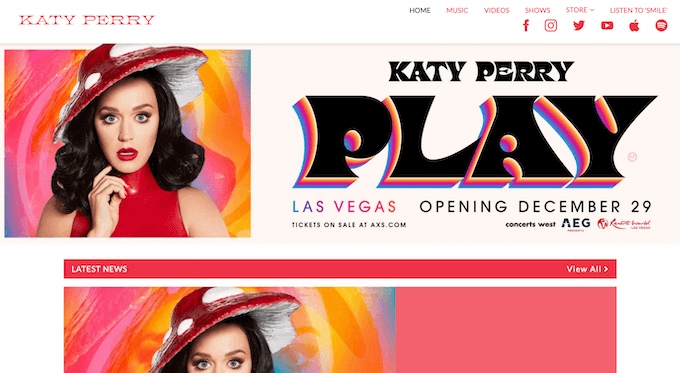
The Katy Perry official website highlights the singer’s latest concerts, music releases, featured videos, and links to her social media profiles.
34. Ripley’s
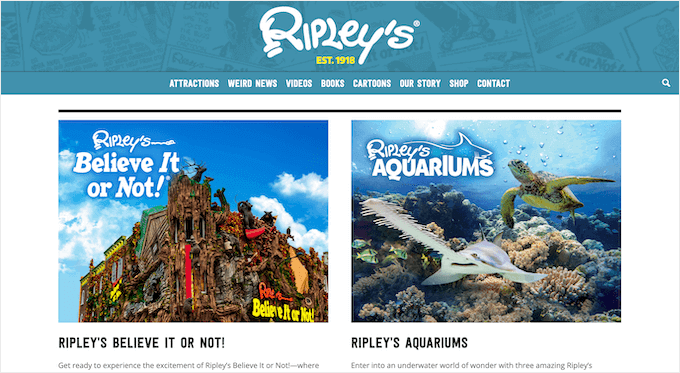
Ripley’s Believe It or Not! is an American franchise that covers bizarre, unusual, and strange events. The website showcases its attractions, books, videos, shop, and more.
35. 9to5Mac
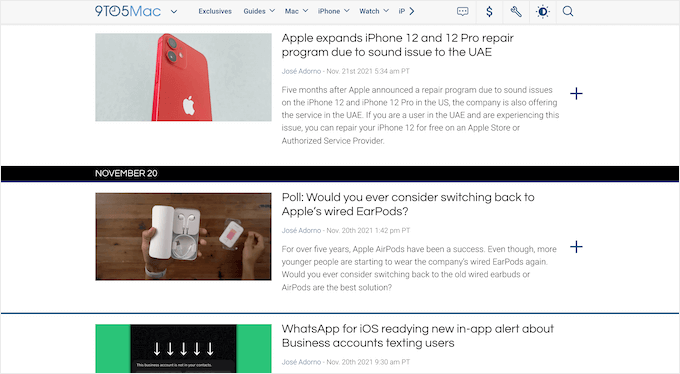
9to5Mac is a go-to resource for Apple enthusiasts. The site has breaking coverage of Apple news, rumors, and products.
36. New York Post
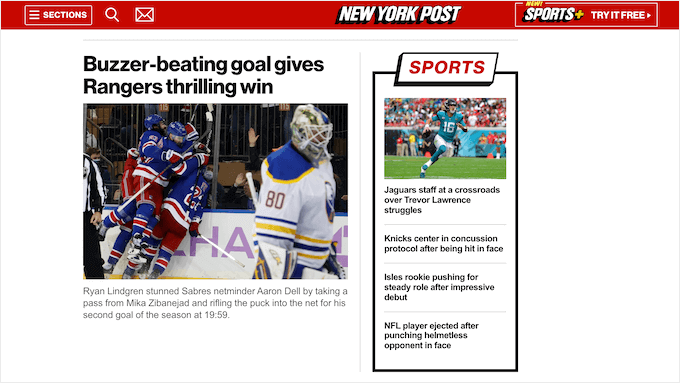
The New York Post is a daily New York-based newspaper that covers regional and national news across various topics like business, tech, entertainment, and more.
37. Hachette Book Group
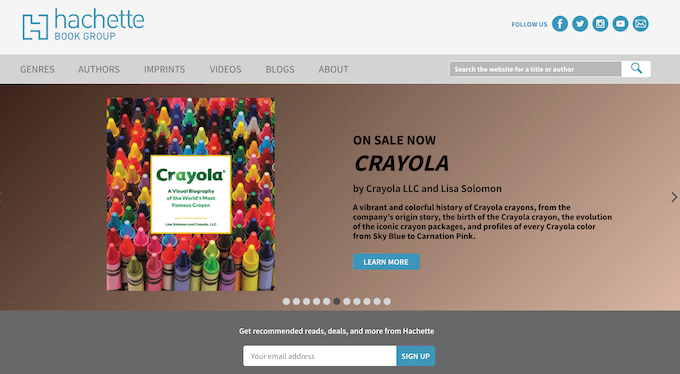
Hachette Book Group is one of the largest book publishers in the world that’s published famous books like Catcher in the Rye. The website features its new releases, genres, books, online events, videos, and more.
38. Reader’s Digest

Reader’s Digest is an American family magazine that’s been running for nearly 100 years. The website has a large and active blog that covers a range of topics like food, home, humor, holidays, and more.
39. 007

The official 007 website uses WordPress to highlight the latest stories related to the James Bond universe worldwide. Visitors can also purchase movie tickets and buy 007 related memorabilia.
40. FiveThirtyEight
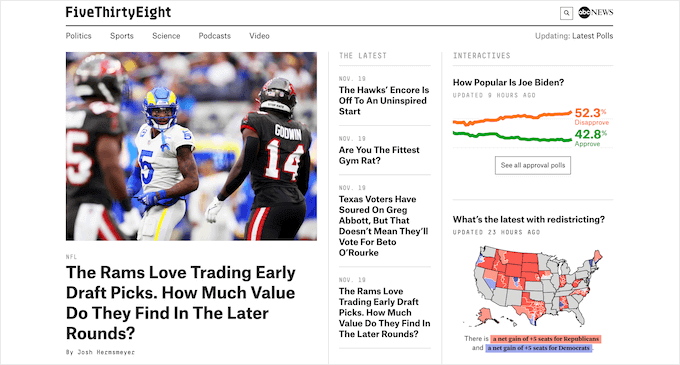
FiveThirtyEight is a website that uses statistical analysis to tell stories across politics, sports, and science. It also includes a popular podcast and video content.
41. Grubhub Blog
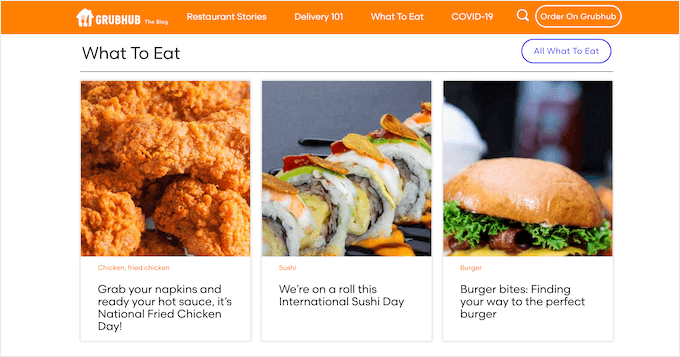
The Grubhub blog features the latest news in food delivery, online ordering, quizzes, and fun restaurant stories.
42. Variety
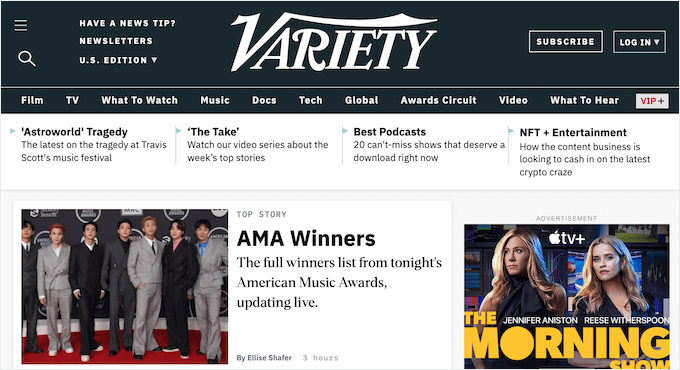
Variety is a long running entertainment news website that has film reviews, box office numbers, award updates, and more.
Building Your Own Website with WordPress
Looking at all these big brands, you may be wondering how you can start your own WordPress website?
With the right tools, starting a WordPress site is simple.
There are three main things you’re going to need to get started:
- A domain name: This is the address for your website (ours is wpbeginner.com)
- A web host: To store your website files, and visitors can access your site
- A website builder: Software that lets you build your website without any code
You need to make sure you’re using the right version of WordPress.
We recommend using the self-hosted WordPress.org version because 100% free to use, you can install plugins, customize your website design, and most importantly make money from your site without any restrictions.
For more details, see our guide to the differences between WordPress.com and WordPress.org.
Usually, a domain name will cost around $15-20 per year, and web hosting will start from $7.95 per month.
This can be a big investment when you’re just getting started online.
Luckily, Bluehost has agreed to offer our readers a huge discount on hosting, along with a free domain name and SSL certificate. You can get started for as low as $2.75 per month.
→ Click Here to Claim This Exclusive Bluehost Offer ←
After signing up for hosting, see our ultimate guide on how to make a website for step by step instructions.
We hope this article helped you learn about some of the big name brands using WordPress. You may also want to see our guide on why you should use WordPress for your website and our expert picks of the best business phone services for small businesses.
If you liked this article, then please subscribe to our YouTube Channel for WordPress video tutorials. You can also find us on Twitter and Facebook.
The post 40+ Most Notable Big Name Brands that are Using WordPress first appeared on WPBeginner.
December 17, 2021 at 02:00PM